
Restaurant POS for multiple outlets
A multi outlet restaurant POS for clear, outlet-level operations
Coordinate a shared menu, outlet-specific access and sales reporting across locations. Review central menu changes, choose where they apply and see each outlet within its permitted reporting scope.

One view across locations
Keep shared decisions and outlet work connected
A multi outlet restaurant POS gives an owner team a consistent way to review operations across locations while preserving each outlet’s working scope. RestaBee brings outlet selection into its daily POS workflows, menu publishing and business overview. Staff work in the outlet they are assigned to, while authorized users can review more than one outlet when their access permits it.
Use the workspace to coordinate menu changes, inspect outlet-level sales and collections, and understand service activity by location. A multi outlet restaurant POS is useful when the same business needs shared decisions in some areas and local ownership in others. RestaBee supports both patterns through central menu releases, outlet menus, and outlet-scoped access and reports.
The page describes the product’s current outlet workflows. It does not assume that every location has identical menus, permissions or reporting access. For a multi outlet restaurant POS, set the operating model that fits your business, then give each role the scope needed for its work.
A controlled outlet workflow
Review, select, apply, then check the outlet result
The multi outlet restaurant POS keeps the scope visible when a team prepares a shared menu change and when an authorized user reviews results across locations. Each step has a named action and outlet context.
- 01
Prepare shared changes
An authorized user updates the central catalog and reviews the menu changes before publishing a release.
- 02
Choose an outlet
Select a location and compare the release with the menu version currently used there.
- 03
Apply after review
Apply the release to the selected outlet. RestaBee checks the outlet’s current baseline when the change is committed.
- 04
Review outlet results
Open the business overview for a selected outlet or permitted wider scope, then choose the reporting period.
Example: three locations
A shared menu with room for local choices
Consider a restaurant group with three locations. The owner team maintains the shared catalog and reviews a release when common prices or items change. Each outlet reviews the proposed menu against its current setup before applying it. A location that needs a local variation can retain its customization or continue with an independent menu.
During service, each team enters orders in its assigned outlet. At close, a permitted manager can review that outlet’s sales and collections for the chosen date range. A user with wider outlet access can change the report scope to include the locations assigned to them. The workflow makes clear which outlet’s menu or report is being reviewed, while the business keeps outlet-level work in context. This example illustrates the product flow; it does not describe a customer deployment or promise a particular business result.
The same approach works when locations have different menus or access policies. Start with the shared operations that help the team, keep local decisions at outlet level, and grant broader reporting or menu permissions only to roles that need them.
- 01
Shared catalog
The owner team reviews a change to common items or prices and publishes a menu release.
- 02
Outlet review
Each location checks the release against its existing menu before applying it.
- 03
Local variation
A location can keep a supported customization or continue with its independent menu.
- 04
Outlet reporting
Managers review the permitted outlet’s sales and collections for the selected reporting period.
RestaBee Reports
Read performance in the scope assigned to you
The business overview can show outlet performance, sales and confirmed collections for the permitted outlet scope and selected date range.
An outlet overview is limited by the account’s configured access. A person should see the locations and actions allowed by their role and outlet assignment. Multi-outlet access does not mean every staff member can view every location. Menu publishing, outlet application and report export also depend on the relevant permissions and enabled workflows.
Outlet summaries use the selected report range and the data available in the reporting workspace. Each metric has a definition, and financial sources can have separate snapshot times. Refresh the report to load a new snapshot. The interface does not claim that every number updates at the same instant.
RestaBee supports web, Android, iOS, macOS and Windows access through its published app experiences. The exact device and role experience depends on the app and the permissions assigned. A multi location restaurant POS should be evaluated with your own outlet setup, menu structure and reporting roles. RestaBee’s multi outlet restaurant POS keeps those outlet choices in the same workspace.
View POS subscription pricing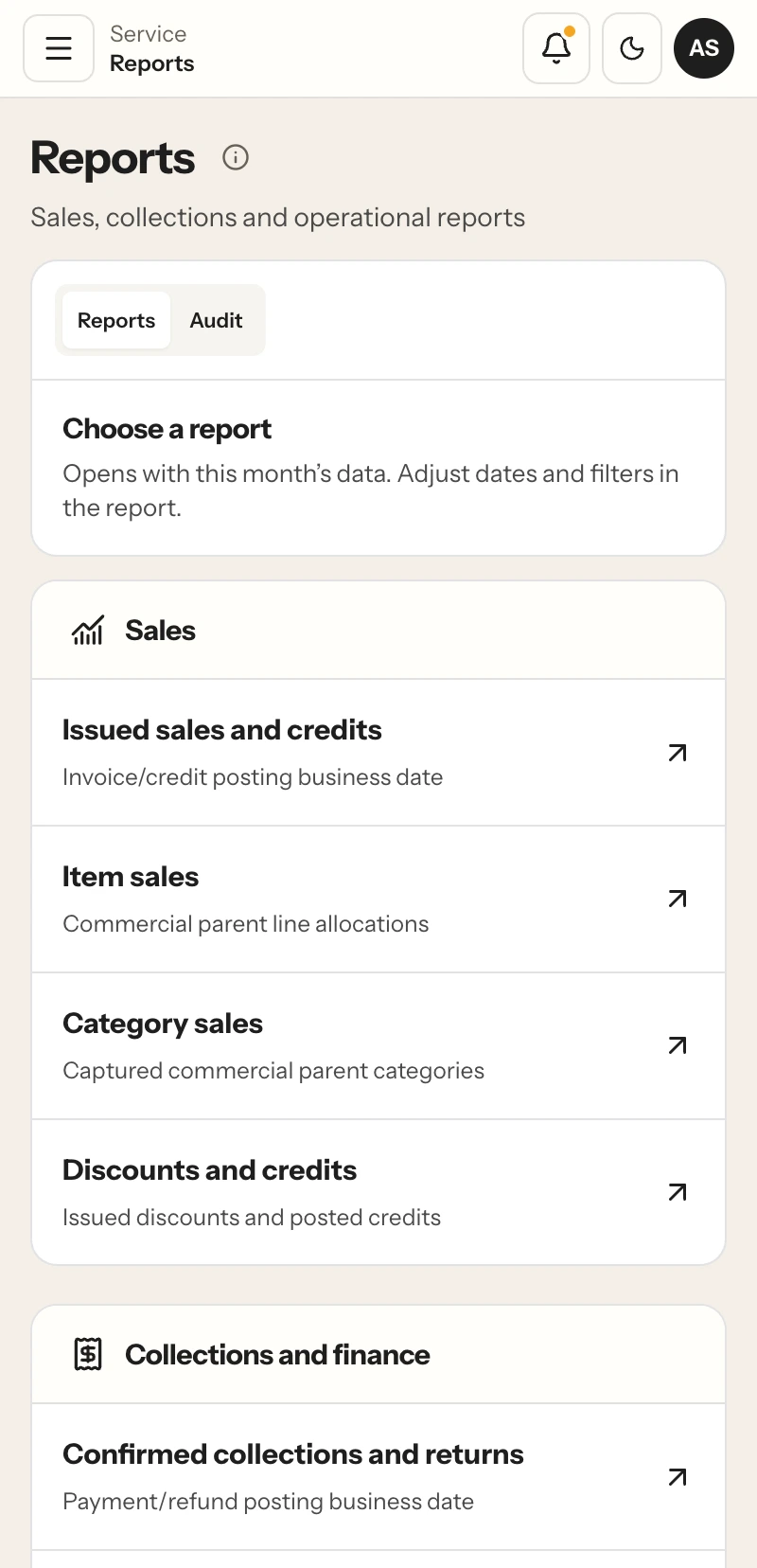
Multi-outlet POS questions
How outlet operations work in RestaBee
Answers about menus, access, reports and day-to-day outlet workflows.
What is a multi outlet restaurant POS?
A multi outlet restaurant POS supports daily operations across more than one restaurant location, with outlet-level work and access. RestaBee also supports a central menu release workflow and reporting by the outlet scope permitted to each user.
Can each outlet have a different menu?
Yes. An outlet can use a published central menu, retain local customizations alongside it, or keep an independent menu, depending on the business setup.
How does central menu management work?
An authorized user prepares and reviews a central catalog, publishes a release, selects an outlet and checks the proposed changes against that outlet’s current menu before applying them.
Can outlet managers see every location?
Access follows each user’s permissions and assigned outlet scope. A manager can review only the outlets available to their account.
Can I compare sales across outlets?
The business overview can show outlet-level sales and confirmed collections. Users with the required access can choose a wider assigned scope and a date range.
Does a multi outlet POS system require identical workflows at every location?
A multi outlet restaurant POS does not require identical workflows at every location. Shared menu publishing is optional. Outlets can use independent menus or supported local customizations, while staff work in their assigned outlet. When evaluating a franchise POS, review outlet assignments and local menu needs against your setup.
Does RestaBee provide accounting or bank reconciliation across outlets?
The reporting workspace shows defined operational sales and collection metrics. It does not replace accounting or bank reconciliation.
Which devices can teams use?
RestaBee has published app experiences for web, Android, iOS, macOS and Windows. The available workflow depends on the app, role and assigned permissions.
For teams running more than one location
See outlet management in RestaBee
Review the central menu workflow, outlet access and reports with your own operating structure.